

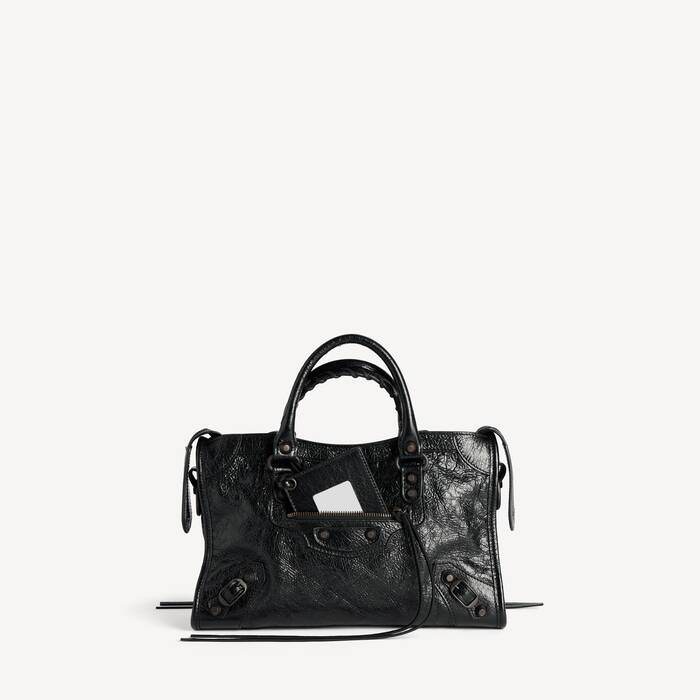
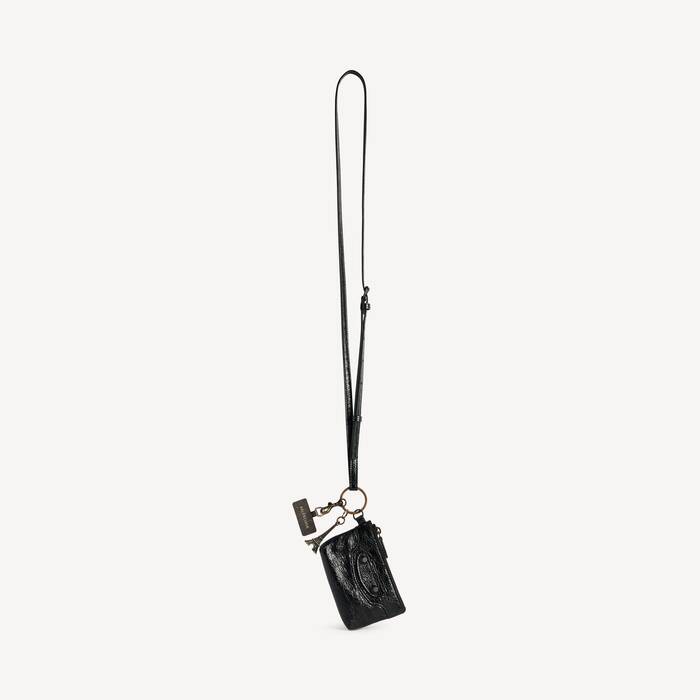
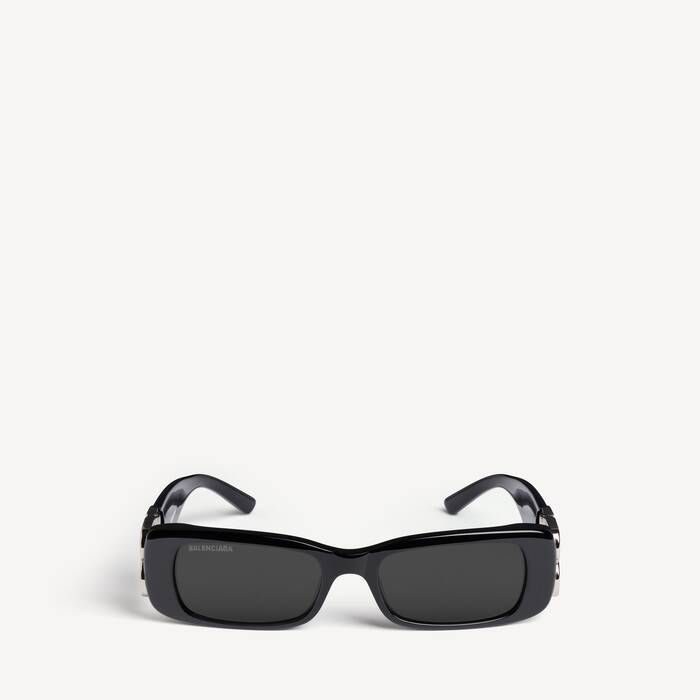
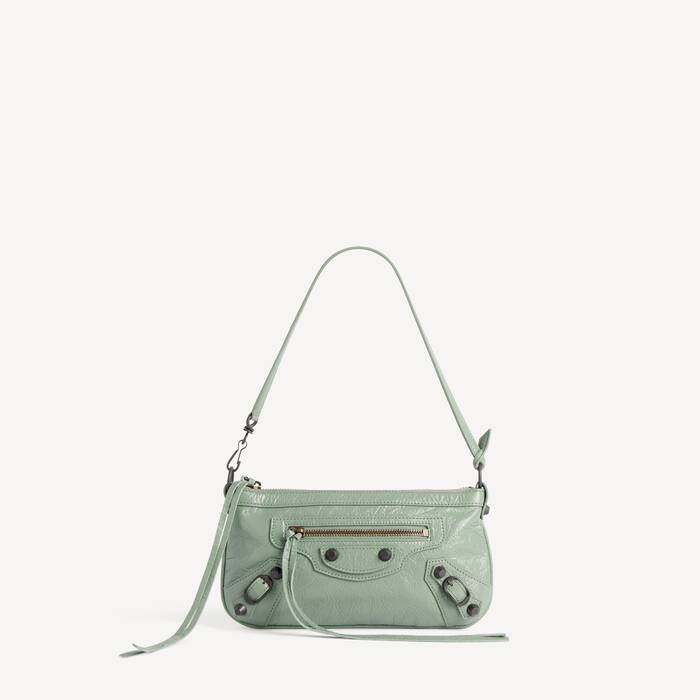


NFC SCANNING INSTRUCTIONS
This product is also equipped with an NFC (Near-Field Communication) chip that offers additional information and services. Content developed by Balenciaga associated with the product is accessible via a smart device hovered near the chip.
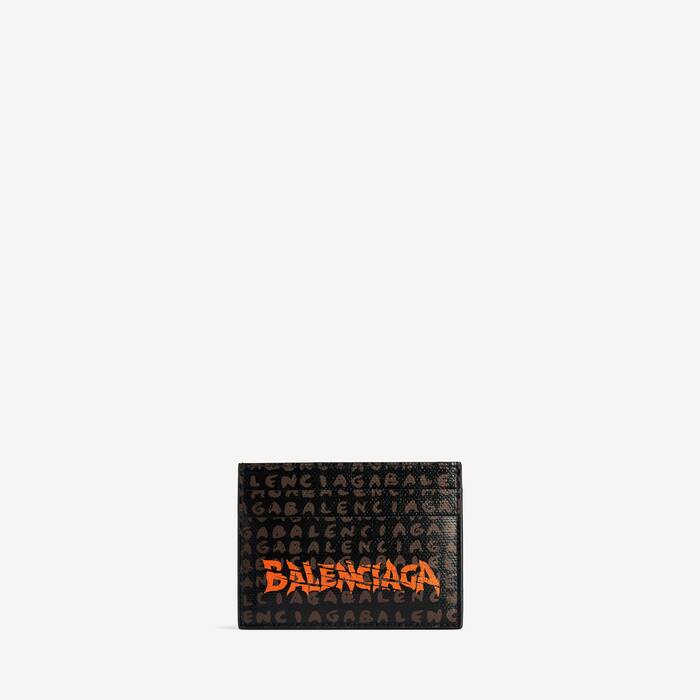
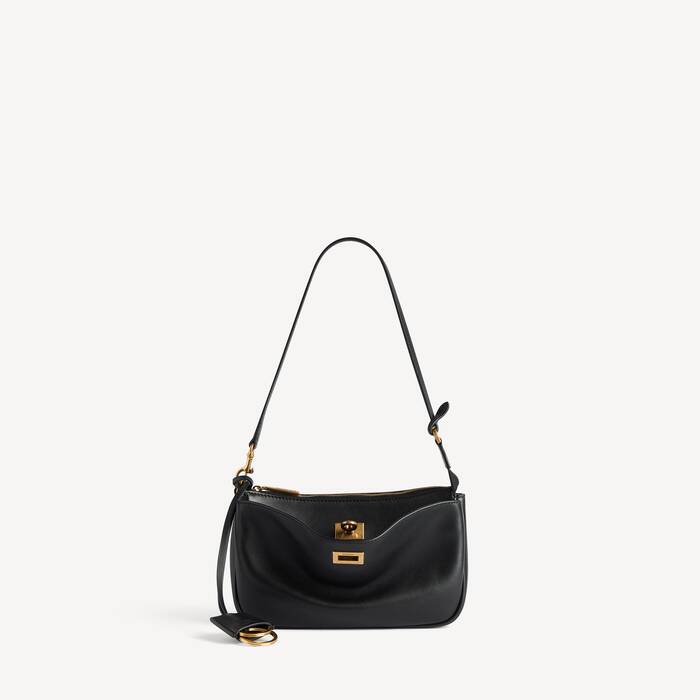
The NFC chip location may vary from one product to another. To easily identify the position of the NFC on your product, please select your product below and follow the instructions related to your product.
The NFC chip location may vary from one product to another. To easily identify the position of the NFC on your product, please select your product below and follow the instructions related to your product.
Hover your smartphone over the highlighted zone
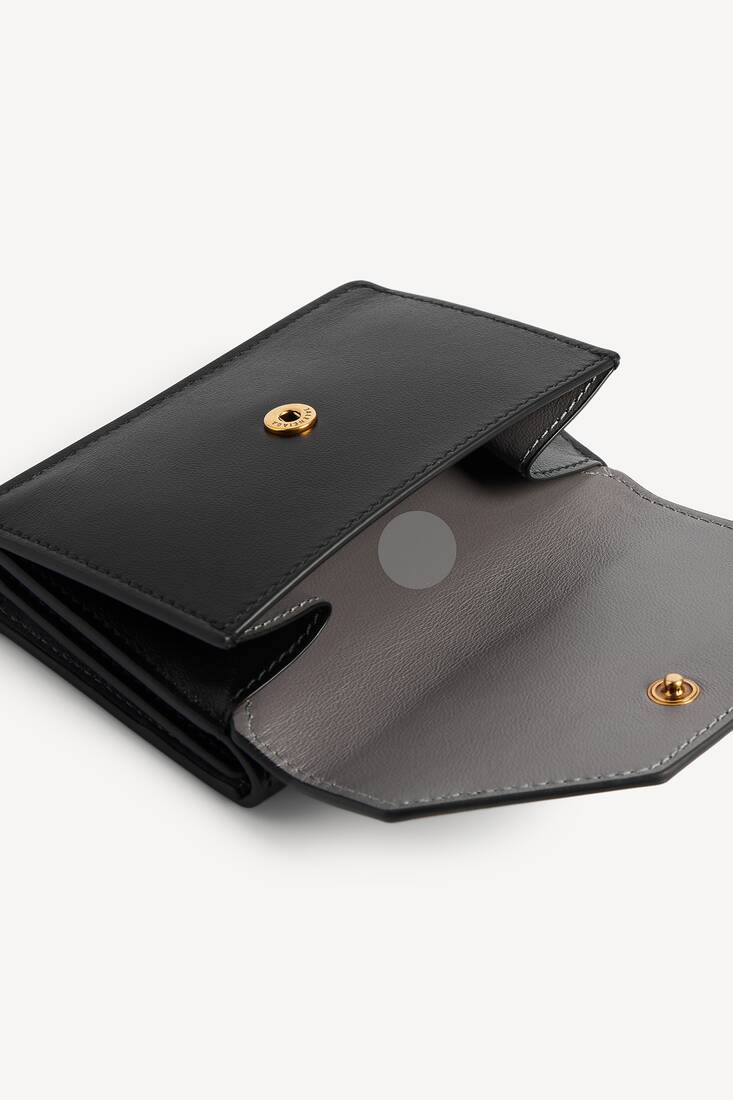
Hover the back of the device near the tag located inside the inner seam of the product.
If the scan does not immediately register, try touching the back of the device to the tag or moving it side to side or in small circles.
Note: It may take a few seconds to process the NFC information. A banner should appear at the top of the device’s screen. Tap the banner to open the link.
If the scan does not immediately register, try touching the back of the device to the tag or moving it side to side or in small circles.
Note: It may take a few seconds to process the NFC information. A banner should appear at the top of the device’s screen. Tap the banner to open the link.